
The Complete Guide to
Algo Trading
Algo trading is not about a robot giving 100% profit. It's about your rules being followed 100% with discipline, because systems don't have emotions.
Trading with Rules,
Not Emotions
Algo trading (Algorithmic Trading) means using a computer program to execute trades based on predefined rules. Instead of manually watching charts and placing orders, your computer does it for you - faster, more disciplined, and without emotional decisions.
No Emotional Trading
Remove fear & greed
24/7 Rule Following
Consistent execution
Faster Execution
Millisecond orders
Backtested Strategies
Data-driven decisions
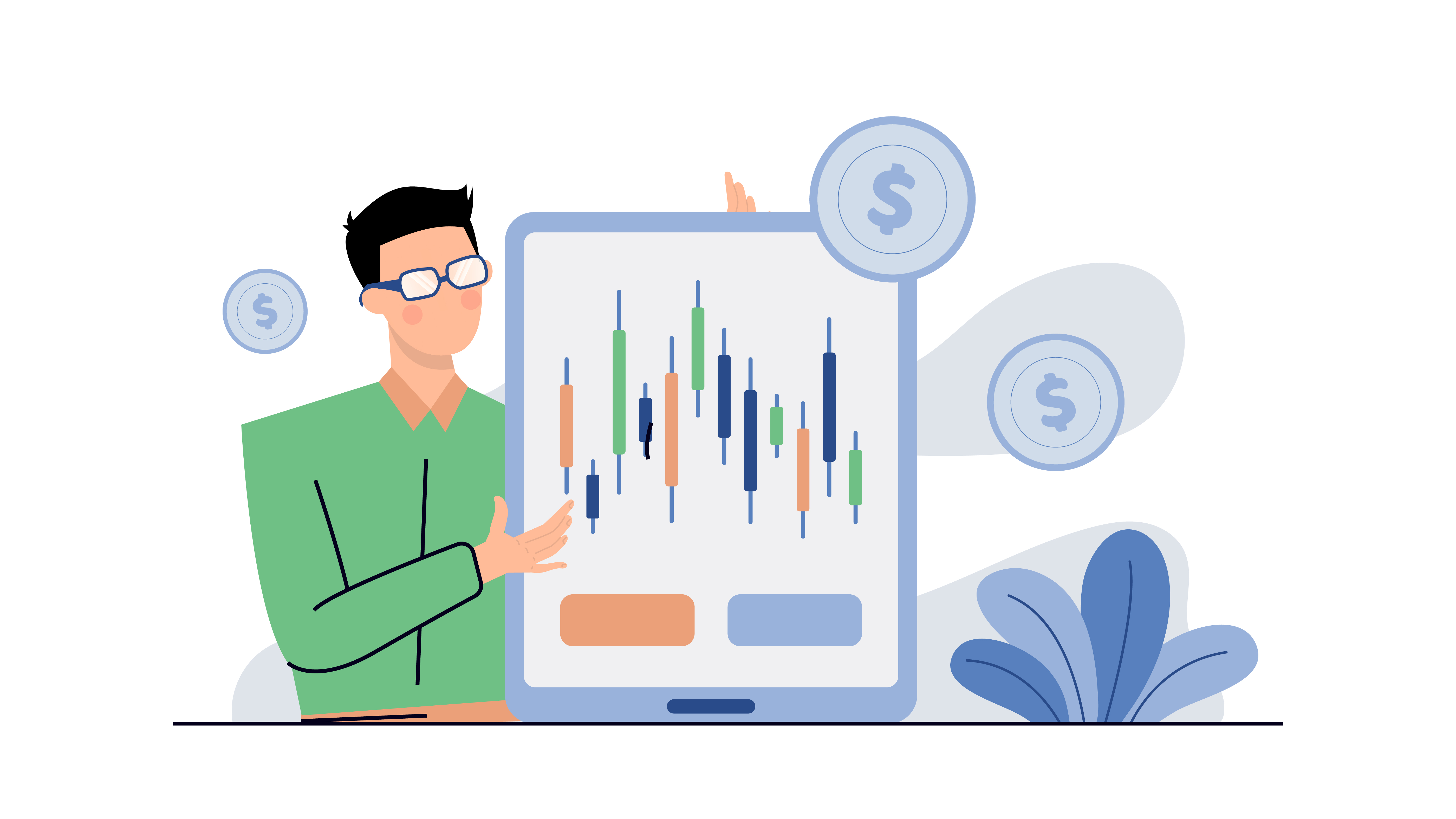
Pillars of Algo Trading
The complete trading automation pipeline
Data Import
Market data feed
Data Source
Data Type
Strategy & Signal
Rules & triggers
UI Decision
Deployment
Execution
Trade placement
Notifications
Step 01
Data Import
Without Quality Data,
Strategy Fails
The first step of algo trading is getting market data to your strategy on time, in the right format, without gaps. If data is weak, everything else fails.
Late or dirty fuel = Poor output, even with the best engine
Market Data Comes in Two Types
One shows what's happening now, the other shows what happened before — both are essential for algo trading
Real-Time Data
Live market feed
What is it? The current price of a stock at this very moment. It keeps updating every second as trades happen.
Just one number (LTP - Last Traded Price) that changes instantly whenever someone buys or sells.
Historical Data
Past market records
What is it? Past price data stored for a specific time period — 1 minute, 5 minutes, 1 day, etc.
Contains 4 values: Open, High, Low, Close (OHLC) + Volume. Used to analyze patterns and backtest strategies.
Where Does Data Come From?
Different sources provide data with varying quality, speed, and cost
Broker API
Zerodha, Upstox, Tradovate
Get data directly from your trading broker. Most brokers provide free API access with your trading account.
Best For
Beginners & cost-conscious traders
Advantages
Limitations
Data Vendors
TrueData, GDFL, Global Datafeeds
Professional data providers specializing in market data. Clean, reliable feeds with extensive historical archives.
Best For
Serious traders & backtesting
Advantages
Limitations
Direct Exchange
NSE, BSE, MCX Direct Feed
Connect directly to exchange servers for the fastest, most authoritative data. Used by institutions and HFT firms.
Best For
HFT & institutional traders
Advantages
Limitations
Step 02
Strategy & Signal
Clear Rules = Clean Signals
A strategy defines exactly when to buy, when to sell, and when to stay out. No random trades - only rule-based, disciplined execution. Your emotions stay out.
Your strategy is the brain of your algo system. It analyzes incoming data, applies your trading logic, and generates clear signals when conditions match. No guessing, no hesitation - just systematic execution.
Define entry conditions
Precise buy triggers
Set exit & protection
SL, targets, limits
Auto signal generation
Real-time triggers
Emotion-free trading
Disciplined execution

Entry & Exit Rules
Define when to enter and when to exit - the two most critical decisions in trading
Entry Rule
When to BUY? Define exact conditions that must be met before entering a trade.
Exit Rule
When to EXIT? Define stop loss, target, and limits to protect your capital.
What is Signal Generation?
Signal generation is the core process where your strategy analyzes incoming market data and decides whether to take action or wait.
When new data arrives, your predefined rules are checked. If conditions match, a signal is generated - either BUY or SELL. This happens automatically, without emotion or hesitation.
Automated decision
No manual intervention
Rule-based triggers
Acts when conditions match
Instant execution
Millisecond response
Emotion-free
Disciplined trading
Signal Generation Pipeline
Data Arrives
New candle/tick received
Strategy Checks
Check your trading rules
Condition Match?
Evaluate: Yes or No
Signal Output
BUY / SELL / WAIT
Signal Types
Two possible outcomes from your strategy
ENTRY Signal
Open a new position
When all your predefined conditions are satisfied simultaneously — indicators match, risk checks pass — the strategy generates an Entry signal to open a trade via broker API with calculated quantity and price.
Result: BUY / SELL order sent to broker
EXIT Signal
Close an existing position
When your exit conditions trigger — stop-loss hit, target/take-profit reached, daily limit, time cutoff, or reversal signal — the strategy generates an Exit signal to close the trade and protect your capital.
Result: Position closed, PnL calculated
Signal Timing
When should the signal generate? Choose your approach based on speed vs accuracy trade-off.
Candle Close
Wait for candle to close before confirming signal. More reliable, fewer false signals.
Signal confirms only after the candle fully closes
Most reliable — avoids false signals from wicks
Best for swing trading & positional strategies
Decision Point
The Interface Decision
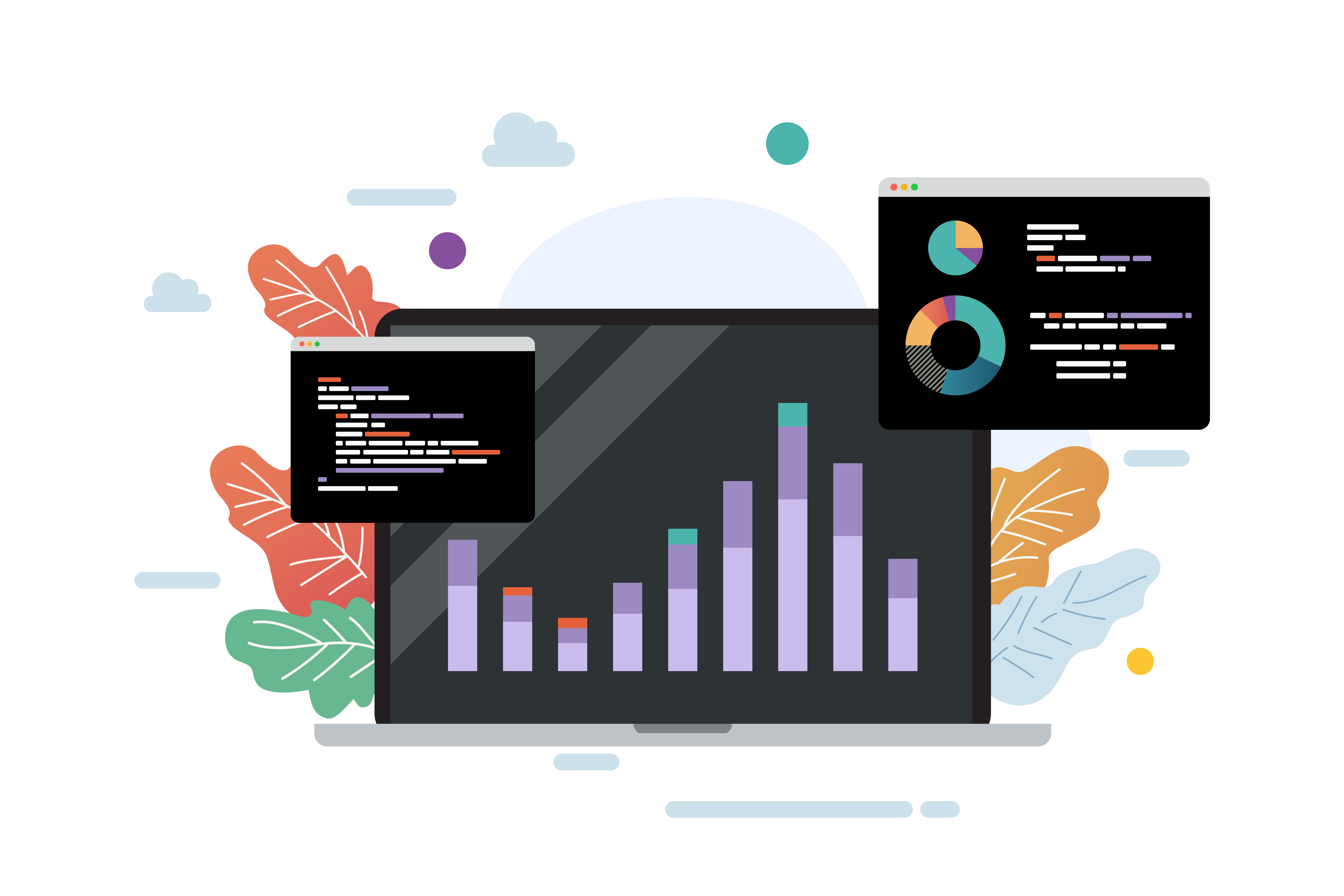
Visual Dashboard or Command Line?
When your strategy signal is ready, you face a design decision: Do you need just Python code running in background, or a visual dashboard to control, monitor, and interact with your trading system?
This choice affects development complexity, cost, and who can use your system. A code-only approach is faster to build but requires technical knowledge. A dashboard makes it user-friendly but needs more development effort.
Without UI
- Personal use
- Fast setup
- Lightweight & simple
With UI
- Teams & professional clients
- Visual monitoring
- User-friendly control
Compare Your Options
Understanding the trade-offs helps you make the right choice
Dashboard Types
Select the right UI approach based on your project requirements
Streamlit
Basic Dashboard
Quick prototype for personal use. Python-only, minimal setup.
Python GUI
Desktop App
Standalone offline app. Install once, run anywhere.
Node.js + FastAPI
Professional
Client-level with multi-user login, real-time updates.
Python GUI
Standalone desktop application that works locally. Install once and run - no browser needed. Good for traders who prefer native apps.
Tech Stack Required
Key Features
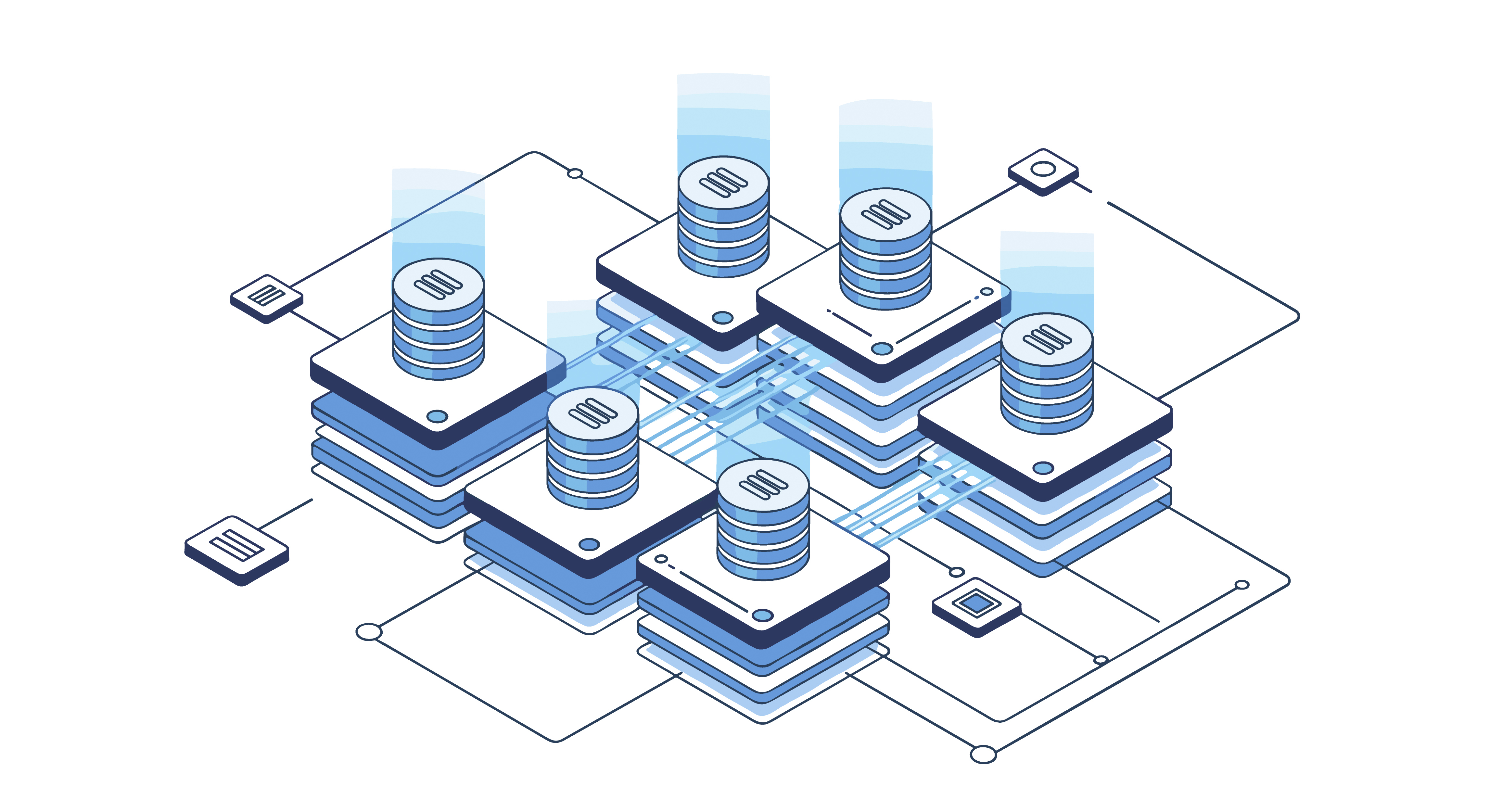
Tech Stack Architecture
Understanding the backend-frontend split helps you build better systems
Backend
Python / FastAPI
Frontend
React / Streamlit / PyQt
Infrastructure

Where Will It Run?
Building is Not Enough - Running 24/7 is the Real Challenge
You've built the strategy, tested it, and it works. But where will it run? Signal comes at 10:15 AM, but your PC went to sleep mode - trade missed! This section solves that problem.
The choice between local PC and cloud server depends on your reliability needs, technical comfort, and budget. Both have their place in algo trading infrastructure.
Local PC
Free, but risky
Cloud Server
Paid, but reliable
Compare Your Options
Understanding the trade-offs helps you make the right choice
Server Schedule
6.5h
Active / day
~70%
Cost saved
Cost Optimization Tip
Server doesn't need to run 24/7. In Indian market context, schedule it for market hours only:
Step 03
Order Execution
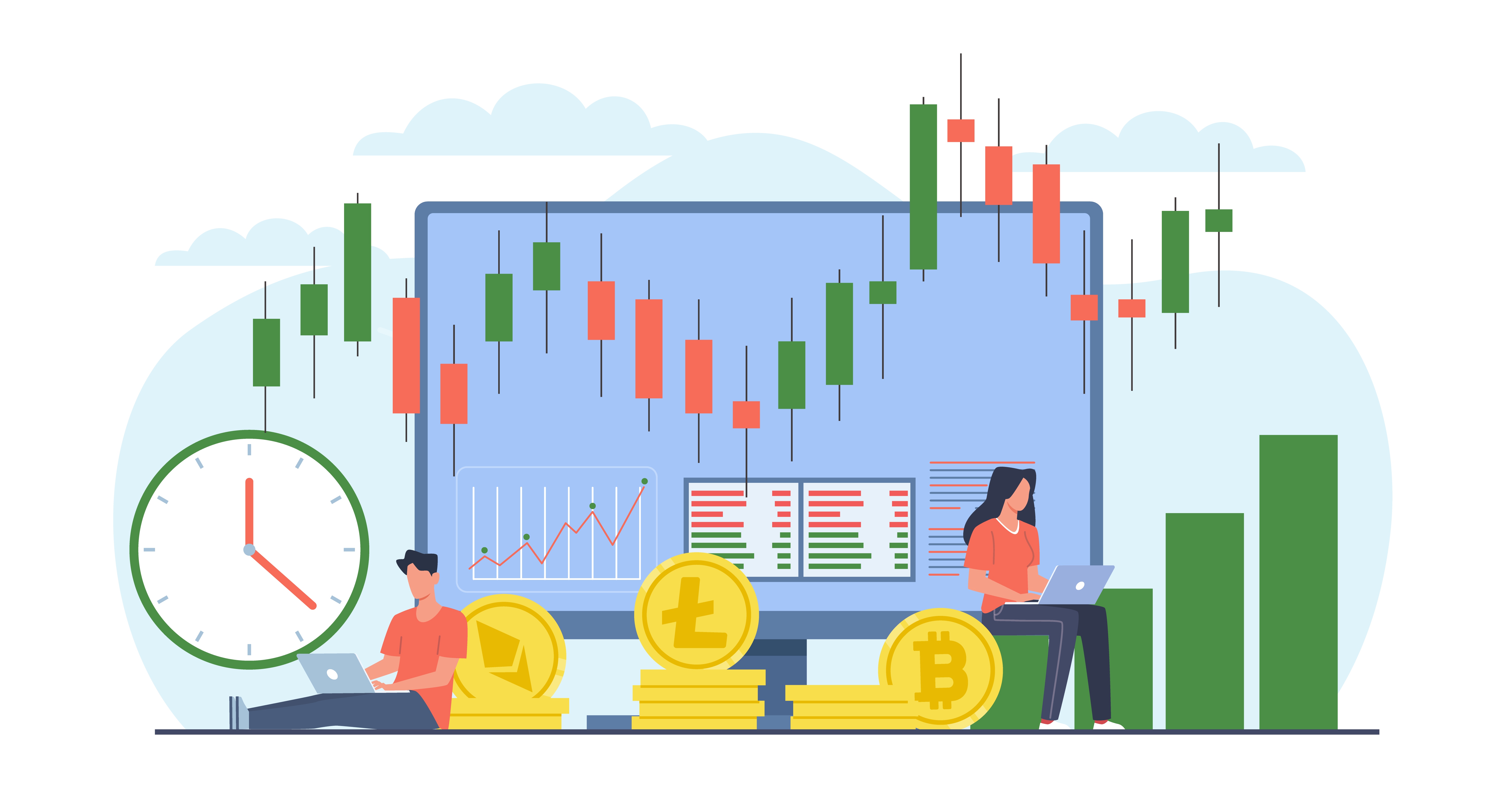
Signal Generated. Now What?
Order execution in Python is not just pressing buy/sell. It's a complete engine that receives signal, validates it, places order via broker API, confirms the fill, and sets up protection (SL/TP).
You have two choices: either show the signal on dashboard for manual trading, or let the system execute trades automatically. Both approaches have their place depending on your needs.
Screener Mode
Show signals, manual trade
Auto Mode
System trades for you
What is an Execution Engine?
A complete pipeline that handles everything from signal to confirmed trade with protection
Signal Received
Strategy generates a buy/sell signal based on your rules
Validation Check
Risk checks, position limits, and duplicate order prevention
Order Sent
Places order via broker API with correct qty, price, and type
Fill Confirmed
Confirms execution, logs fill price, and updates positions
SL/TP Set
Automatically places stop-loss and take-profit protection orders
Signal Received
Strategy generates a buy/sell signal
Validation Check
Risk checks and duplicate prevention
Order Sent
Places order via broker API
Fill Confirmed
Confirms execution and logs fill
SL/TP Set
Auto places stop-loss and take-profit
Choose Your Execution Mode
Understanding both approaches helps you pick the right one for your trading
System does not place trades. Python processes data, runs indicators/strategy, and shows analytics on dashboard. You see signals, analyze them, and decide to trade manually.
Decision Support Tool - You see, analyze, then decide to trade

Which mode fits
your needs?
Python places orders via broker API as soon as signal comes. Confirms fills, handles rejections, sets SL/TP automatically. Complete hands-off trading with full position management.
System executes fully - not just signals but actual trades
Real-Time Notifications
Never miss a trade event — get instant alerts on every channel
Every Trade Event, Instantly Delivered
Your system monitors every step of the execution pipeline and sends you real-time notifications — from the moment a signal triggers to the final PnL calculation. You stay informed without watching the screen.
Each notification includes full context: instrument name, entry/exit price, quantity, order status, and protection levels. Whether a trade is filled, rejected, or closed — you know exactly what happened and why, delivered to your preferred channel within seconds.
Complete Algo Trading Flow
Data Import
Real-Time
Historical
Source
Strategy & Signal
Rules
Signal
Types
Timing
UI Decision
With UI
Without UI
Dashboard
Deployment
Local PC
Cloud / VPS
Execution
Screener
Auto Trade
Alerts
Ready to automate your trading strategy?